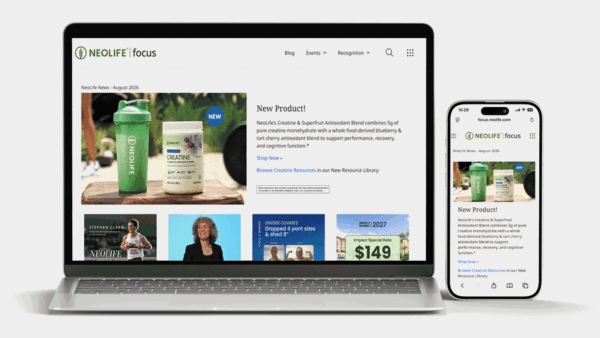









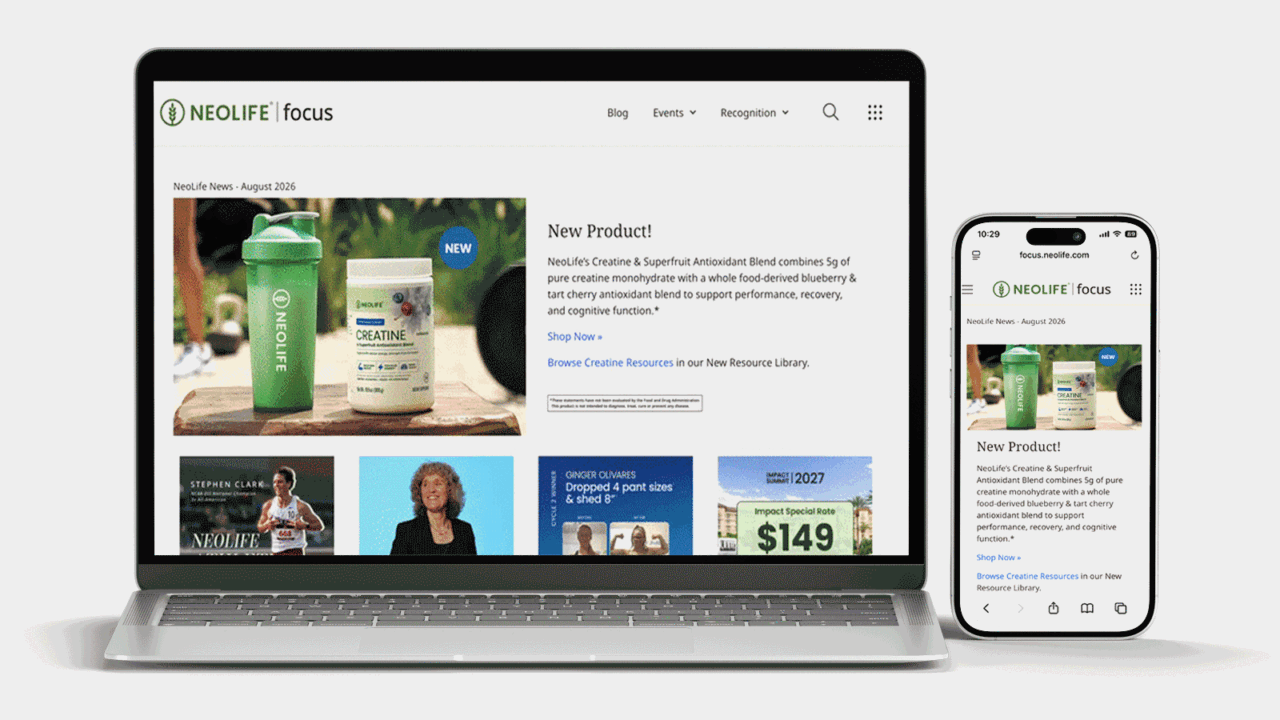
If you’ve ever had a question and weren’t sure where to start, there’s a good chance the answer is already on the Focus Site.
Ever wonder why we call it «Focus»? When we were planning the site, we wanted to consolidate a few different websites into one centralized home, everything from headline news and success stories to recognition and incentive updates. And there’s still more to come.
Whether you’re finding something for yourself or sharing helpful nuggets with a friend or team member, here’s a quick guide to what’s there and how to find it.
Focus Homepage
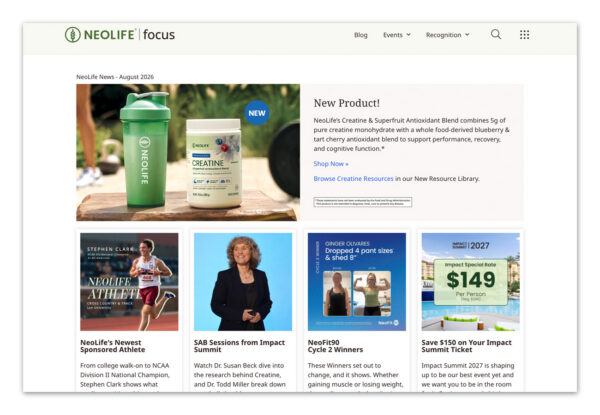
Our Focus homepage is where all the relevant announcements and updates live in one spot: new incentives, event highlights, new product info, and any important news you need to know. We update this content monthly, so be sure to check in for all the goodies and updates.
Events Calendar
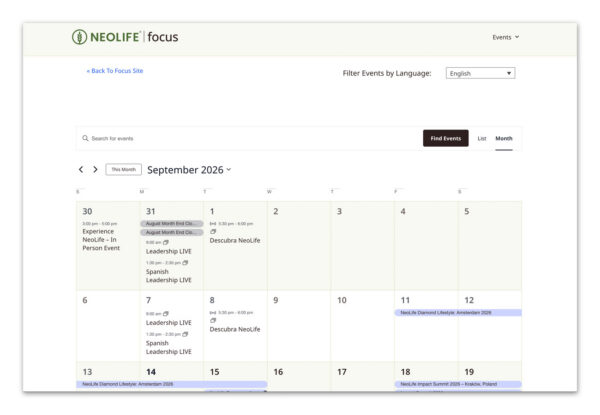
Want to know what’s coming up? Our Events Calendar lets you see what’s on the schedule, add events straight to your own calendar so you don’t miss anything, and easily share them with prospects or friends who might want to join in.
How to find the Events Calendar
- Navigate to the Focus Homepage by typing this link into your browser: https://focus.neolife.com
- Hover over the “Events” tab in the top right hand corner, then select “Events Calendar” from the drop down.
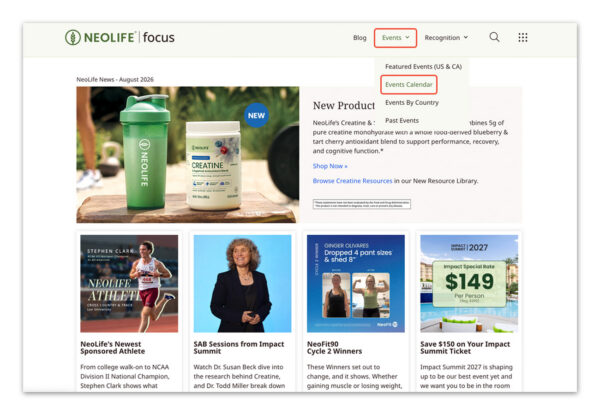
- Find events by search, or filtering by date.
You can also view the Events Calendar by clicking this link.
Promotions Blog
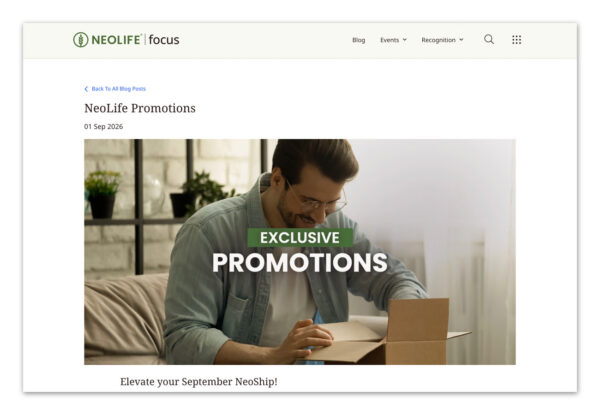
Want to know what’s currently on promotion? The Promotions Blog keeps a running list of current promos, so you always know what’s active.
How to find the Promotions Blog:
- Navigate to the Focus Homepage by typing this link into your browser: https://focus.neolife.com
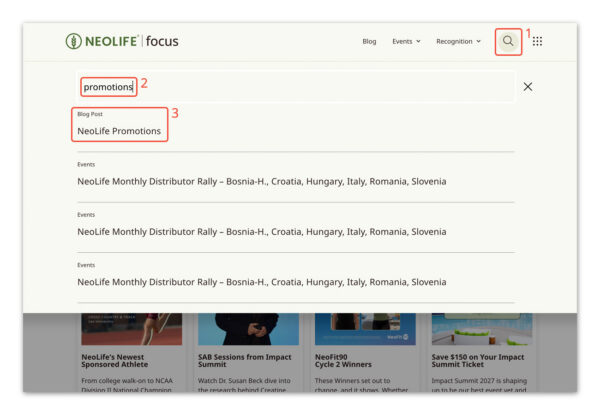
- Click the magnifying glass in the navigation bar at the top of your screen. Then type a keyword in (in this case, we typed “Promotions”), then click the blog that pertains to your search.
You can also view the Promotion Blog by clicking this link.
Recognition
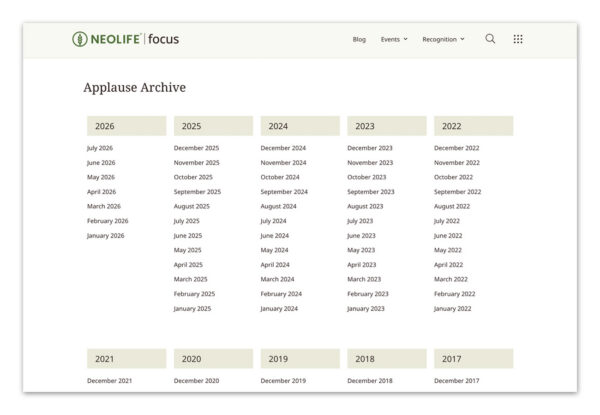
Want to see who’s being celebrated? The Recognition section highlights Promoters and their achievements.
How to find the Recognition Pages
- Navigate to the Focus Homepage by typing this link into your browser: https://focus.neolife.com
- Hover over the “Recognition” tab in the top right hand corner, then select whichever kind of recognition you are looking for from the drop down.
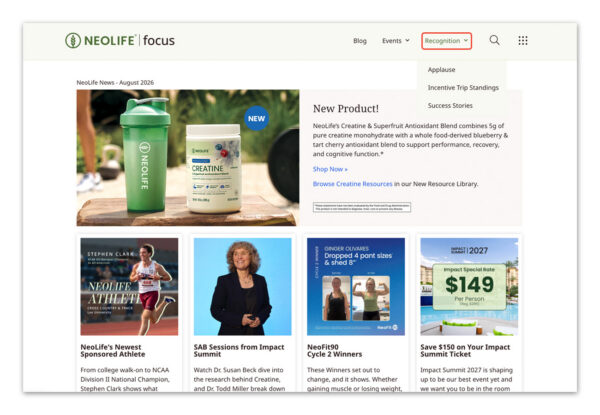
⭐ Tip: Applause is where you’ll find shoutouts and recognition for Promoters hitting milestones. Incentive Trip Standings shows where Promoters currently rank in qualifying for our incentive trips. Success Stories feature real results and testimonials from our community.
You can also navigate directly to those pages by clicking the links below.
Applause »
Incentive Trip Standings »
Success Stories »
NeoFit90
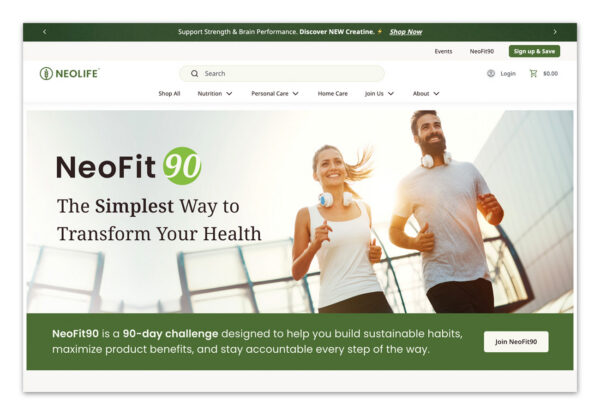
NeoFit90 is our 90-day challenge designed to help you build sustainable habits, maximize your product benefits, and feel supported by a community. Keep an eye on our Focus Homepage, where we share cycle reminders and celebrate our winners.
Product Updates
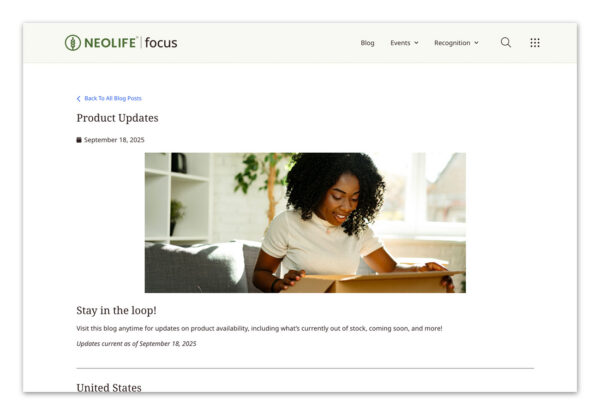
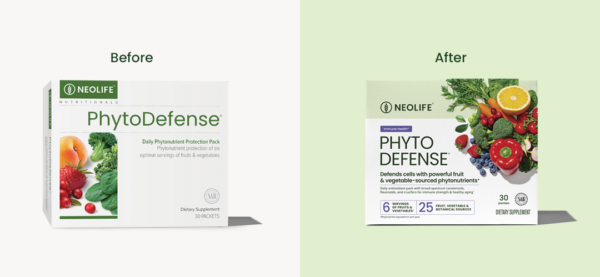
Curious what’s new with our products? Our Product Updates Blog keeps you posted on packaging changes, formula updates, and other product news.
How to find the Product Updates Blog:
- Navigate to the Focus Homepage by typing this link into your browser: https://focus.neolife.com
- Click the magnifying glass in the navigation bar at the top of your screen. Then type a keyword in (in this case, we typed “Product”), then click the blog that pertains to your search.
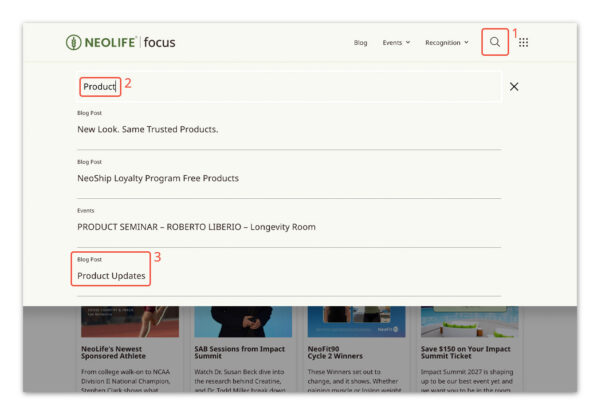
You can also view the Product Updates Blog by clicking this link.
How do I get to the Focus Site?
There are a few easy ways to get there:
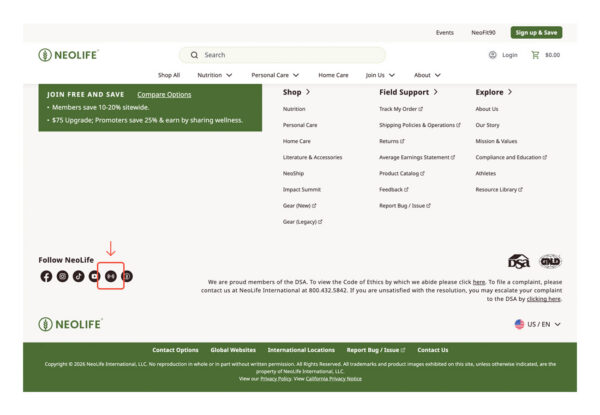
From beta.neolife.com, you can click the icon at the bottom of the homepage
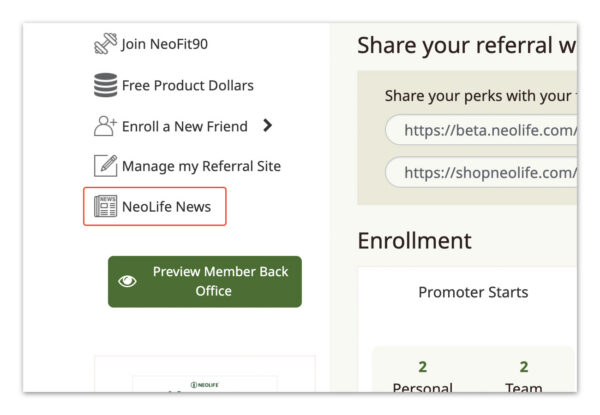
From your BackOffice, you can click the “NeoLife News” section on the left hand side
Or go straight there by clicking this link: Focus.NeoLife.com
Bookmark it!
The Focus Site is designed to keep you in the know, and answer most of your questions before you have to ask them. Bookmark it, explore it, and come back anytime you need something.
How to add a Bookmark on Safari:
- Open the Safari app on your Mac.
- Go to the website you want to save.
- Click Bookmarks in the top menu bar, then choose Add Bookmark… (or click the Share button in the toolbar and select Add Bookmark).
- Choose the folder where you want to save the link (such as Favorites or the Bookmarks Bar).
- Rename the bookmark or add a description if you want.
How to add a Bookmark on Chrome:
- Open Google Chrome and go to the website you want to save.
- Click the star icon on the far right of the address bar.
- Change the name of the bookmark if you want a shorter or custom title.
- Pick a folder location, such as the Bookmarks bar or Other bookmarks.
- Click Done to save the page.